🚀 Launch Your MVP & Get a Free 5-Page Marketing Website – Limited Time Offer!
Claim Your Free Website

Best No-Code Platforms for MVP Mobile Apps
App Development
Created:
Dec 15, 2025
Updated:
Dec 15, 2025
Compare top no-code platforms for building mobile MVPs—Adalo, Glide, Thunkable, Bravo Studio, and FlutterFlow—to launch, test, and scale apps in weeks.
Building a mobile MVP doesn’t have to be expensive or time-consuming. No-code platforms let you create apps for iOS and Android without writing code, using visual editors and prebuilt components. This approach is ideal for startups and non-technical founders who need to validate ideas quickly and cost-effectively. Subscriptions range from $10 to a few hundred dollars per month, far cheaper than hiring developers.
Here’s a quick breakdown of the top no-code platforms:
Adalo: Great for consumer apps with native publishing and monetization tools. Best for simple B2C apps.
Glide: Turns spreadsheets into apps, perfect for internal tools or prototypes, but lacks app store publishing.
Thunkable: Strong in hardware integration (GPS, camera) for utility apps but has a steeper learning curve.
Bravo Studio: Converts Figma designs into apps, ideal for design-heavy projects requiring API connections.
FlutterFlow: Combines visual building with code export for scalable, complex apps, using Google’s Flutter framework.
Each platform has strengths and limitations, so choosing the right one depends on your app’s features, audience, and growth plans. Platforms like FlutterFlow and Bravo Studio offer scalability, while Glide and Adalo are better for quick prototypes or internal tools. By leveraging these tools, you can launch an MVP in as little as 4–8 weeks, test with real users, and prepare for future growth.
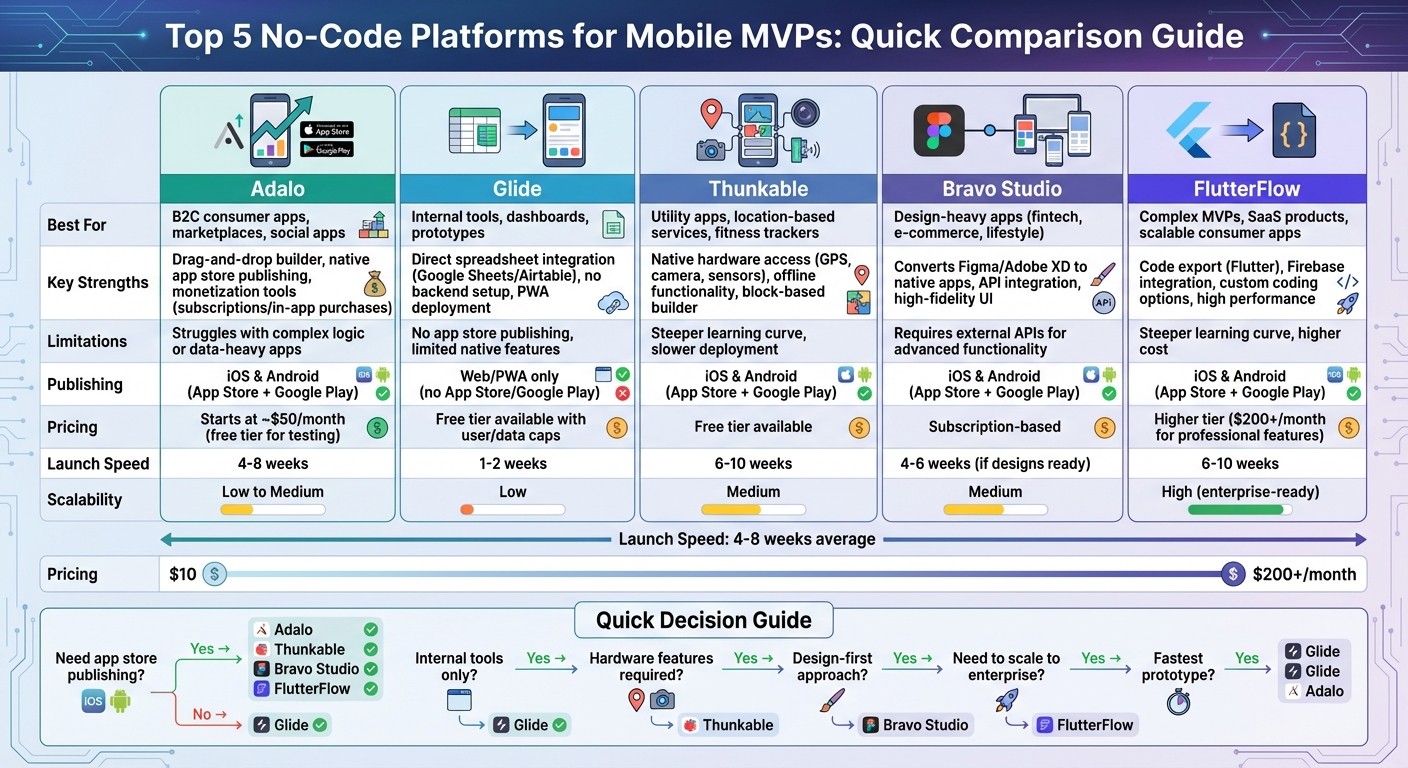
Comparison of Top 5 No-Code Platforms for Mobile MVP Development
How We Built Our MVP with a No Code Tool
What to Look for When Choosing a No-Code Platform for Mobile MVPs
Picking the right no-code platform is a crucial step in launching a successful mobile MVP. A poor choice can limit your app's audience, lead to costly migrations, or stall growth. On the flip side, the right platform can fast-track your launch and set you up for seamless scaling. Let’s dive into the key factors - like platform support, native features, and scalability - that should guide your decision.
Platform Support: Reach the Right Audience Quickly
The platforms your app supports define who can use it. In the U.S., iOS dominates over 50% of the market among high-income users, making it the go-to choice for premium apps targeting affluent, urban audiences. Meanwhile, Android holds about 70% of total U.S. installs, offering broader reach and appealing to budget-conscious users - perfect for mass-market MVPs or internal tools.
Cross-platform builders such as Adalo and Thunkable let you publish to both the Apple App Store and Google Play without doubling your workload. This is a huge advantage during the validation stage, as it ensures you’re not excluding potential users. If your early adopters lean heavily toward iPhone, prioritize platforms with strong iOS support and easy App Store publishing. For internal tools or admin dashboards, a web-first platform with mobile-friendly progressive web app (PWA) capabilities might be all you need.
Native Features and Backend Capabilities
Your MVP’s success depends on whether the platform supports the features your app needs to function smoothly. For example:
Push notifications can improve user retention.
GPS unlocks location-based services.
Camera access enables multimedia features or augmented reality.
Offline mode ensures reliability.
Secure user authentication protects sensitive data.
Platforms like Thunkable shine when it comes to leveraging device hardware, such as GPS and cameras. Adalo, on the other hand, combines native publishing with built-in databases and authentication tools. Bravo Studio connects Figma designs to APIs, giving you the freedom to build more tailored features.
Equally important are backend capabilities. A solid database ensures smooth data and user management, while API integrations connect your app to essential services like Stripe for payments, Firebase for authentication, and analytics tools. For simpler MVPs, platforms with built-in databases (like Adalo and Glide) might suffice. However, if you’re aiming for scalability, external backends like Firebase or Xano offer more flexibility and reduce the risk of being locked into one platform. Before committing, test free tiers with a small prototype to ensure the platform supports key features like push notifications, offline syncing, and hardware integration.
Growth Path and Code Export Options
Think beyond the MVP stage - your app needs room to grow. Platforms that support code export can help you transition to more advanced frameworks, like React Native, without starting from scratch. For instance, FlutterFlow generates Flutter code for high-performance scaling, while Draftbit exports React Native code. Bravo Studio’s API-centric setup also offers flexibility for backend changes. However, platforms like Adalo and Thunkable might require a complete rebuild if you need to scale to enterprise-level demands.
Don’t overlook pricing and usage limits when planning for growth. Adalo’s plans start at about $50 per month, scaling to over $200 for professional features. Free tiers from platforms like Glide and Adalo often cap user numbers and data storage, making upgrades necessary for production-ready launches. Meanwhile, platforms like FlutterFlow and Bubble are built with scalability in mind, though they may come with a higher price tag. Misjudging these limits can result in rushed, expensive migrations later on, so plan accordingly.
Top No-Code Platforms for Building Mobile MVPs
Let’s dive into some of the best no-code platforms tailored for creating mobile MVPs. Each platform shines in its own way, catering to different needs - whether you’re building consumer-facing apps or internal tools.
Adalo: Fast Native App Deployment for Consumer Apps

Adalo is perfect for quickly rolling out B2C apps. Its drag-and-drop interface simplifies tasks like database management, user authentication, and even monetization features such as subscriptions or in-app purchases. Once your app is ready, Adalo generates native iOS and Android versions instantly.
One standout perk is that Adalo lets you publish directly to the Apple App Store and Google Play without needing to export code or hire developers. However, it’s not ideal for apps requiring heavy data processing or complex workflows. If your MVP needs advanced backend functionality, you might hit some limits. For straightforward consumer apps or quick prototypes, though, Adalo offers a speedy and user-friendly solution. Here’s a quick breakdown:
Aspect | Adalo |
|---|---|
Strengths | Drag-and-drop builder, native app store publishing, monetization tools |
Weaknesses | Struggles with complex logic or data-heavy apps |
Best For | B2C MVPs (e.g., marketplaces, social apps), subscription-based apps, rapid prototyping |
Pricing | Free for testing; paid plans needed for app store publishing |
Glide: Spreadsheet-Powered Apps for Internal Use
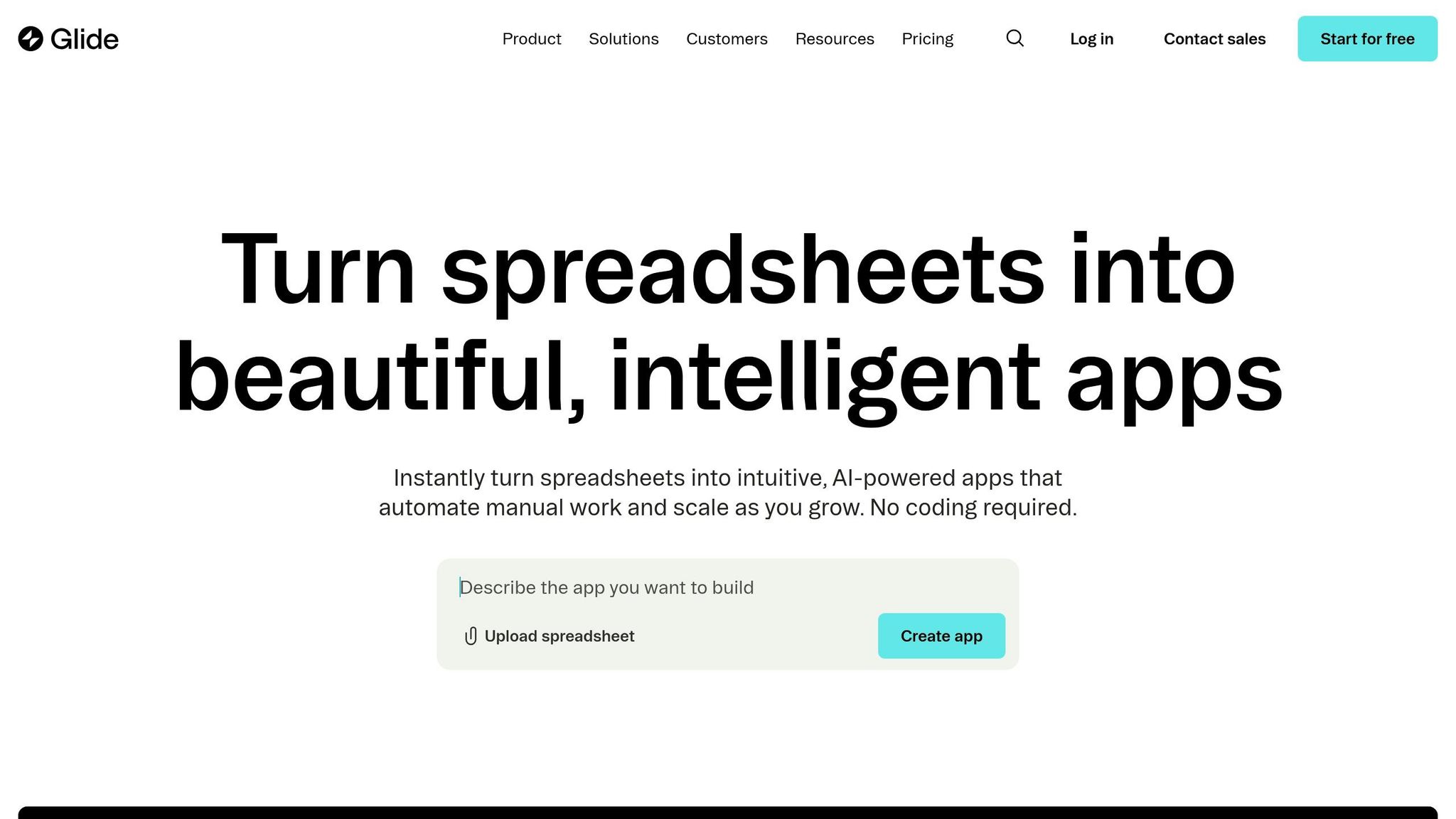
Glide transforms your Google Sheets or Airtable data into functional mobile apps, making it a go-to for internal tools, dashboards, or workflow experiments. You can skip database setup entirely, as Glide uses your existing spreadsheets as the backbone.
This platform excels for non-public MVPs, like employee directories, inventory trackers, or project management tools. Glide apps run as PWAs (progressive web apps) or web apps, so they’re accessible across devices without app store approvals. That said, you won’t be able to publish these apps to major app stores, and features like push notifications may be limited. Here’s how Glide stacks up:
MVP Type | Glide Fit | Why |
|---|---|---|
Internal Tools | High | Direct spreadsheet integration, no backend setup required |
Consumer Apps | Low | No app store publishing, limited native features |
Prototypes | High | Quick testing without extra infrastructure costs |
Thunkable: Native Apps with Hardware Integration
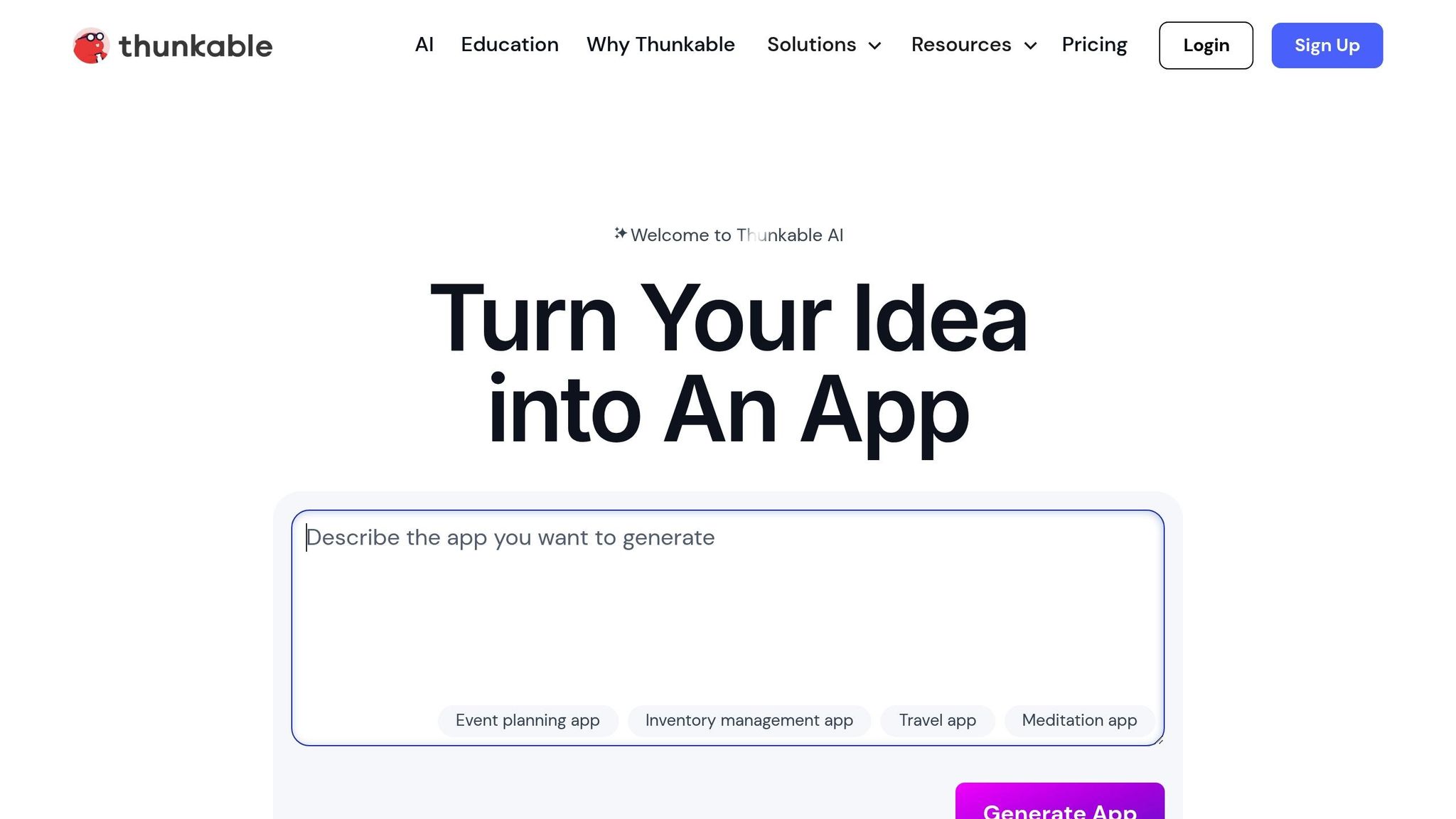
Thunkable stands out for its ability to tap into native device hardware. Using a visual block builder, you can create apps that incorporate GPS, sensors, offline functionality, and more - making it an excellent choice for utility apps or location-based services.
It does come with a steeper learning curve compared to simpler drag-and-drop platforms, and deployments might take longer. If your app relies heavily on native features, like fitness trackers or navigation tools, Thunkable is a solid pick. For basic consumer apps, though, the additional complexity might not be worth it. Here’s a closer look:
Scenario | Thunkable Handling | Notes |
|---|---|---|
GPS/Location Features | Excellent | Full native hardware access with offline support |
Complex Data Logic | Moderate | Block-based system requires more learning |
Prototyping Speed | Good | Slower than simpler platforms but still effective |
Bravo Studio: From Figma Designs to Functional Apps
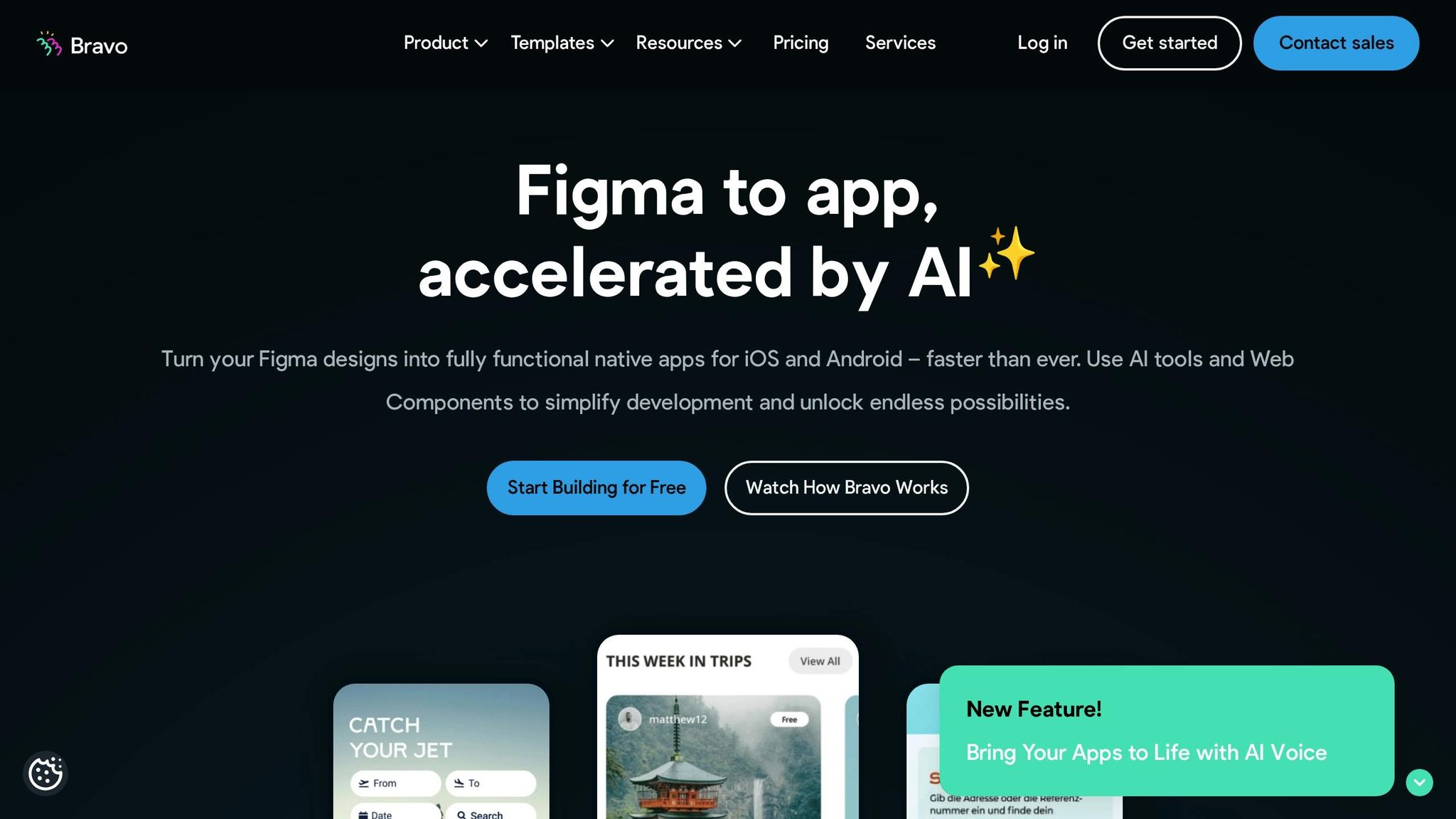
Bravo Studio bridges the gap between design and development by turning Figma or Adobe XD files into fully functional native apps. If you’ve already invested time in creating high-fidelity designs, Bravo lets you skip rebuilding everything from scratch.
You simply import your designs, use a drag-and-drop interface to add interactions, connect APIs for backend functionality, and then publish directly to app stores. This makes it a great choice for design-heavy MVPs in industries like fintech, e-commerce, or lifestyle apps. Keep in mind, though, that advanced functionality relies on external APIs, which might require some technical setup. Here’s an overview of the workflow:
Step | Description | Time Investment |
|---|---|---|
1. Design Import | Upload Figma/Adobe XD files to Bravo | Minutes |
2. Add Functionality | Connect APIs and define interactions | Hours to days (depending on complexity) |
3. Preview & Test | Test app behavior on devices | Hours |
4. Deploy | Publish to app stores | Days (depending on review times) |
FlutterFlow: Low-Code Power for Complex MVPs
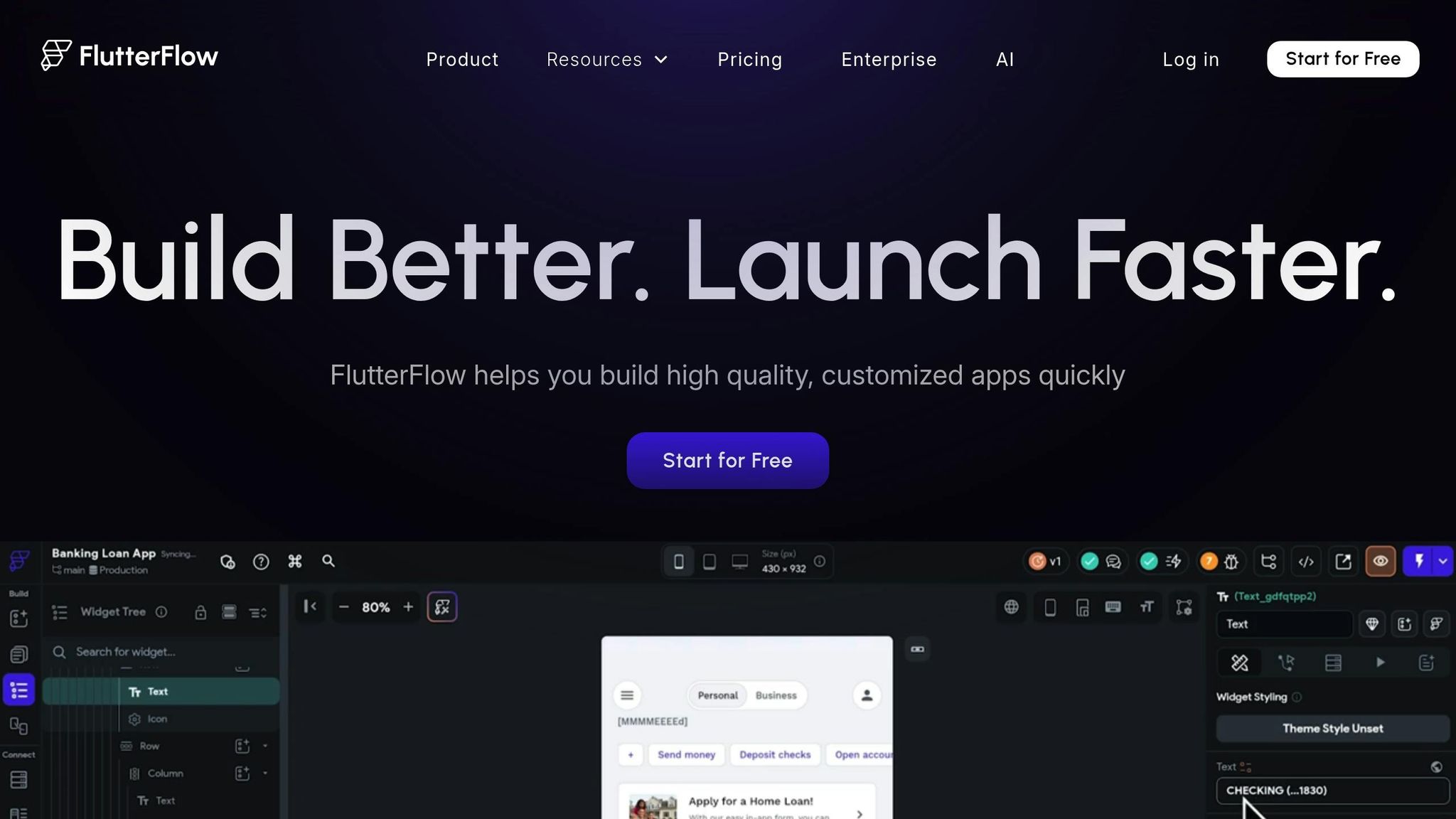
FlutterFlow blends visual building with custom coding options, making it ideal for complex or scalable MVPs. Built on Google’s Flutter framework, it generates high-performance native apps for both iOS and Android. Unlike pure no-code tools, FlutterFlow allows you to export the app’s code, giving you full control and flexibility to scale.
The platform also integrates seamlessly with Firebase for authentication, databases, and cloud functions, making it a strong choice for consumer apps or SaaS products that demand robust backends. While it has a steeper learning curve and higher costs, the trade-off is access to enterprise-level features. Here’s how FlutterFlow supports different stages of growth:
Growth Stage | FlutterFlow Features | Highlights |
|---|---|---|
Prototype | Visual builder | Quick UI creation, Firebase integration, real-time preview |
Scale | Code export + custom coding | Full ownership of Flutter code, API integrations |
Enterprise | High performance | Scalable apps, independent deployment, no platform lock-in |
These platforms offer diverse tools to help you bring your mobile MVP to life, each catering to different needs and priorities. Up next, we’ll explore how 918 Studio approaches expert MVP development.
How 918 Studio Builds Mobile MVPs with No-Code Platforms
Platform Selection and Fast Development
918 Studio begins every mobile MVP project with a short discovery session to pinpoint the core use cases, primary users, and success benchmarks like beta adoption rates or customer acquisition cost (CAC) recovery. For consumer-focused apps, platforms such as Adalo or Thunkable are often chosen. These tools make it easy to deliver native apps with essential features like authentication, push notifications, and in-app purchases. On the other hand, when the project involves internal tools or data-centric workflows - where speed takes priority over app-store availability - Glide is the team’s go-to choice due to its spreadsheet-driven simplicity. If a highly polished UI or investor presentations are key, Bravo Studio is used to convert detailed Figma designs into fully functional native apps. For startups anticipating complex logic, advanced integrations, or scalability needs, FlutterFlow is preferred. Built on Google’s Flutter framework, it integrates seamlessly with Firebase and produces production-grade code that traditional developers can expand upon later.
The process typically unfolds in four phases: scope and platform selection (2–5 days), design and data modeling (1–2 weeks), build and integration (2–4 weeks), and testing and submission (1–2 weeks). This streamlined approach allows most projects to go live within 4–8 weeks, far quicker than traditional custom coding. To align with startup budgets, 918 Studio carefully matches platform subscription costs and add-ons - such as external databases, authentication, and analytics tools - to the client’s financial runway, usually planning for 6–12 months of operational costs. The team also ensures investor readiness by delivering structured product documentation, engagement analytics dashboards, and polished materials like product screenshots and demo flows. This systematic approach lays the groundwork for scalable development, enhanced with AI tools.
AI-Powered Development and Scalability
918 Studio integrates AI at multiple stages to ensure the MVP is ready for growth. AI simulations help model potential future scenarios, such as higher user loads, intricate permission systems, or multi-tenant data setups, before finalizing the no-code stack. These models assist in comparing architectural options - like choosing between a native database or an external backend like Firebase or Xano - and flag potential bottlenecks in areas like query performance or workflow complexity. With tools like FlutterFlow, which generate native code and pair naturally with Firebase, AI helps design robust data hierarchies, security protocols, and indexing strategies that can handle future growth. For platforms with less transparent internal workings, AI identifies where external services - such as third-party authentication, analytics, or background processors - might be necessary to maintain scalability.
AI also plays a pivotal role in speeding up the development process without compromising quality. During the UI phase, AI converts user stories and navigation maps into initial screen layouts for platforms like Adalo, Glide, or FlutterFlow, which designers then refine. For business logic, 918 Studio uses a mix of AI-generated and curated workflow templates - like onboarding sequences, subscription conversions, or referral systems - tailored to the chosen platform’s logic. AI even pre-populates seed data, creates realistic test users, and generates placeholder content, making early demos more engaging for founders and investors. Additionally, AI generates test cases based on user journeys, identifies edge cases, and prioritizes testing across both iOS and Android platforms.
Full Support from Launch to Growth
918 Studio ensures that every MVP is built with future growth in mind, even when starting on a no-code platform with limitations. To avoid being locked into a single vendor, the team often separates the front-end and back-end components. For example, they might pair a front-end builder with Firebase or another scalable backend when using FlutterFlow, ensuring core business logic and data can be reused if the front end is later rebuilt. They also prioritize platforms that allow code exports or open data access, making it easier for future developers to replace parts of the stack without losing functionality or data.
Performance is another key focus. The team minimizes heavy queries, caches frequently accessed data, and designs responsive pagination and search features to keep the app running smoothly even as data volumes grow. From day one, analytics and logging are set up to track events, funnels, and errors. This allows 918 Studio to monitor app performance, analyze usage patterns, and proactively optimize workflows or data structures as the app scales.
Post-launch, 918 Studio offers ongoing support packages, including feature updates, performance tuning, and scaling assistance. This ensures that startups not only launch successfully but also have the resources to adapt and grow as they gain traction. By staying involved, 918 Studio helps startups evolve their products, navigate growth challenges, and prepare for their next big milestones, such as securing additional funding or expanding their user base.
Conclusion
When choosing a no-code platform for your MVP, it's important to align your selection with your specific goals. Platforms like Adalo, Thunkable, Glide, Bravo Studio, and FlutterFlow each bring distinct advantages to the table. Whether you're looking for speed in native publishing, simplicity with data-driven tools, seamless design-to-app conversion, or scalability with low-code features, there's a platform that fits your needs.
No-code frameworks go beyond just platform flexibility - they allow for rapid market testing. With no-code, you can validate ideas, gather feedback, and iterate at a fraction of the cost and time of traditional development. In fact, industry data suggests that no-code MVPs can launch 50–80% faster than traditional methods, helping you conserve resources while accelerating growth. The key is selecting a platform that supports your future needs, whether that’s handling higher user traffic, integrating external backends, or exporting code for further customization.
For U.S.-based startups, 918 Studio offers expert guidance through these decisions. Their team combines platform knowledge with AI-powered workflows to ensure your MVP is built efficiently and effectively. From the first discovery session to post-launch support, they handle everything - platform selection, UI design, app store submissions, and even analytics setup. Whether you need a quick prototype on Adalo or a scalable FlutterFlow app with Firebase integration, they ensure your project stays on track and within budget.
What sets 918 Studio apart is their focus on blending no-code speed with long-term scalability. By separating front-end and back-end components and optimizing performance from the start, they prepare your app to grow with your user base. Even after launch, their support packages cover feature updates, performance improvements, and scaling assistance, so you’re never left navigating challenges on your own.
With 918 Studio’s expertise and AI-enhanced workflows, U.S. startups can deliver market-ready mobile MVPs in as little as 4–8 weeks, setting the stage for growth and success.
FAQs
What should I look for in a no-code platform to build a mobile app MVP?
When you're choosing a no-code platform for your mobile app MVP, there are a few things to keep in mind. Start by defining your project goals - are you aiming for a quick prototype to test an idea, or do you need something that can eventually scale as your app grows? Next, consider ease of use. The platform should have a straightforward, user-friendly interface that helps you save time and reduces the learning curve.
Another important factor is scalability and customization. Your app should have room to grow and adapt to your evolving needs. Lastly, look into the platform's integration capabilities. It should be able to connect seamlessly with the tools and services your business already depends on. Focusing on these aspects will help you find a platform that matches both your vision and your budget.
How do no-code platforms help ensure scalability as your mobile app grows?
No-code platforms are built to grow with your needs, offering adaptable architecture, smooth integrations, and tools for tailoring your app as it develops. They simplify handling increased user demand, introducing new features, and managing intricate workflows - all without needing to rebuild from the ground up.
With these features, businesses can expand their apps efficiently and economically, staying ready to meet future challenges head-on.
What are the challenges of using Glide for building consumer-focused mobile apps?
Glide is a robust no-code platform, but it does have its limitations when it comes to consumer-facing mobile apps. It might fall short in providing the detailed customization and advanced controls necessary for apps with highly complex or personalized features. This can make it harder to design apps with intricate user interfaces or unique functionalities.
For projects that demand greater flexibility or the ability to scale, you might want to consider other tools or more tailored solutions.
Related Blog Posts

Contact us
913-214-2703